
Export Point of Sale List Data
Office Integration Overview | Import Data | Export Reports
Note: This topic may refer to data types not applicable to your Point of Sale installation. For example, Point of Sale Free users cannot export customer, vendor, or item quantity/cost information and Basic users cannot export item pictures.
Note: Excel must be installed on the workstation using this option.
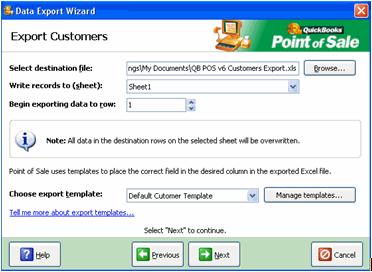
The Data Export Wizard walks you through exporting list data to an Excel spreadsheet, where you can then utilize Excel's features to further manipulate the data. You can choose to export all records in a list, all records currently displayed in a filtered list, or only selected records.
Export templates determine the data fields included in the export and how that data appears in columns in Excel. A default template is provided for each record type. You can customize the default templates or create and save new ones to meet your needs.
What would you like help with?
Export records directly from a list (customers, vendors, items, departments, employees)
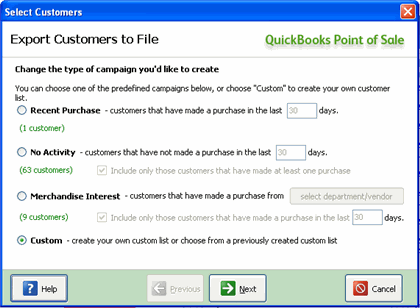
Export customers from the Customer Center (provides additional options for filtering by customer sales history)
Notes:
You can also select Utilities Export from the File menu without displaying a list first. You can choose to export any of your lists or your item pictures. However, the entire list is always exported with this selection.
 = selected). Remove customers by clearing their checkboxes. Clear/select checkboxes by clicking on them or by using the button options on the right.